
Identity document scanning
Turn individual and group document images into a guest list ready for staff review.
A clearer day for Front Office and F&B. Capture guest documents, review the details and put your team’s attention back where it belongs.
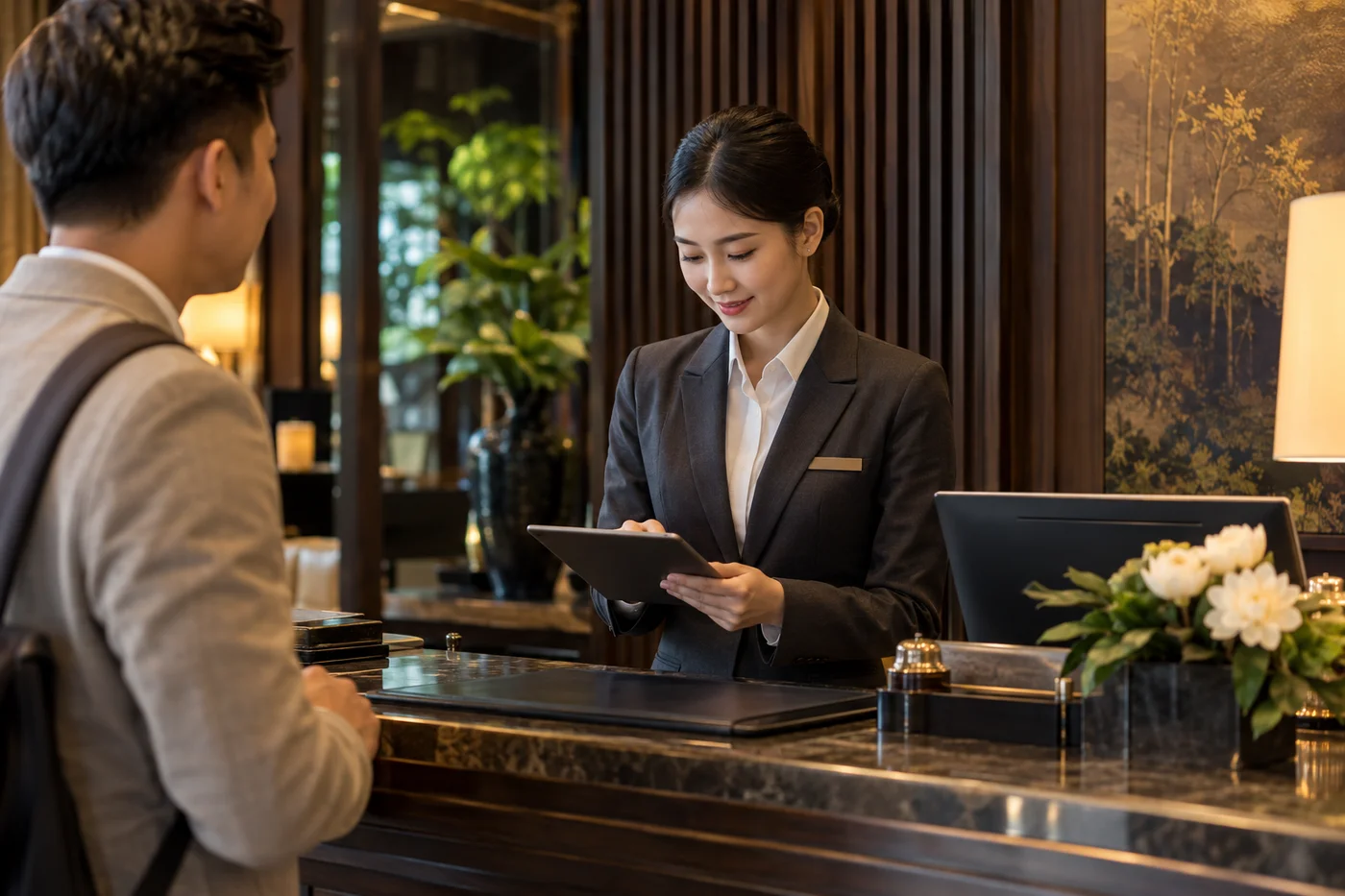
From a document image to a reviewed record. Explore each step of the proposed document-to-profile workflow.
Upload one image or a batch, including mixed document types in the same photo. RMS extracts the visible identity details into a structured guest list.
Coverage is validated in your property pilot. Image quality and document type determine which fields can be captured. Extraction assists data entry; staff still perform identity checks.
A scan creates a draft. Check extracted fields against the source, correct exceptions, and choose whether to match an existing guest or create a new profile.
Matching is an explicit staff decision, not an automatic profile merge. Unreadable or conflicting details must be resolved first.
The proposed OHIP workflow sends approved identity fields to OPERA Cloud. Reviewed details can also support guest-reporting preparation through the hotel’s authorised route.
Requires hotel-approved OHIP access, supported operations, field mapping and property permissions. Reporting is a separate connection. Creating a profile does not itself complete PMS check-in.
Start with the workflows you need. Activate modules and connections around your agreed property scope.
Turn individual and group document images into a guest list ready for staff review.
Validate guest access to included meals and services with Front Office and F&B context.
Issue guest key cards with compatible lock systems, confirmed during property setup.
Manage employee meal access and usage, and record admission for event attendees.
Bring Zalo OA, Zalo Personal and Facebook conversations into the staff workflow.
Channel permissions applySupport F&B ordering at the table through the ImonQR ecosystem.
Meet ImonQR (opens in a new tab)Voice communication is part of the roadmap. Integration is currently in progress.
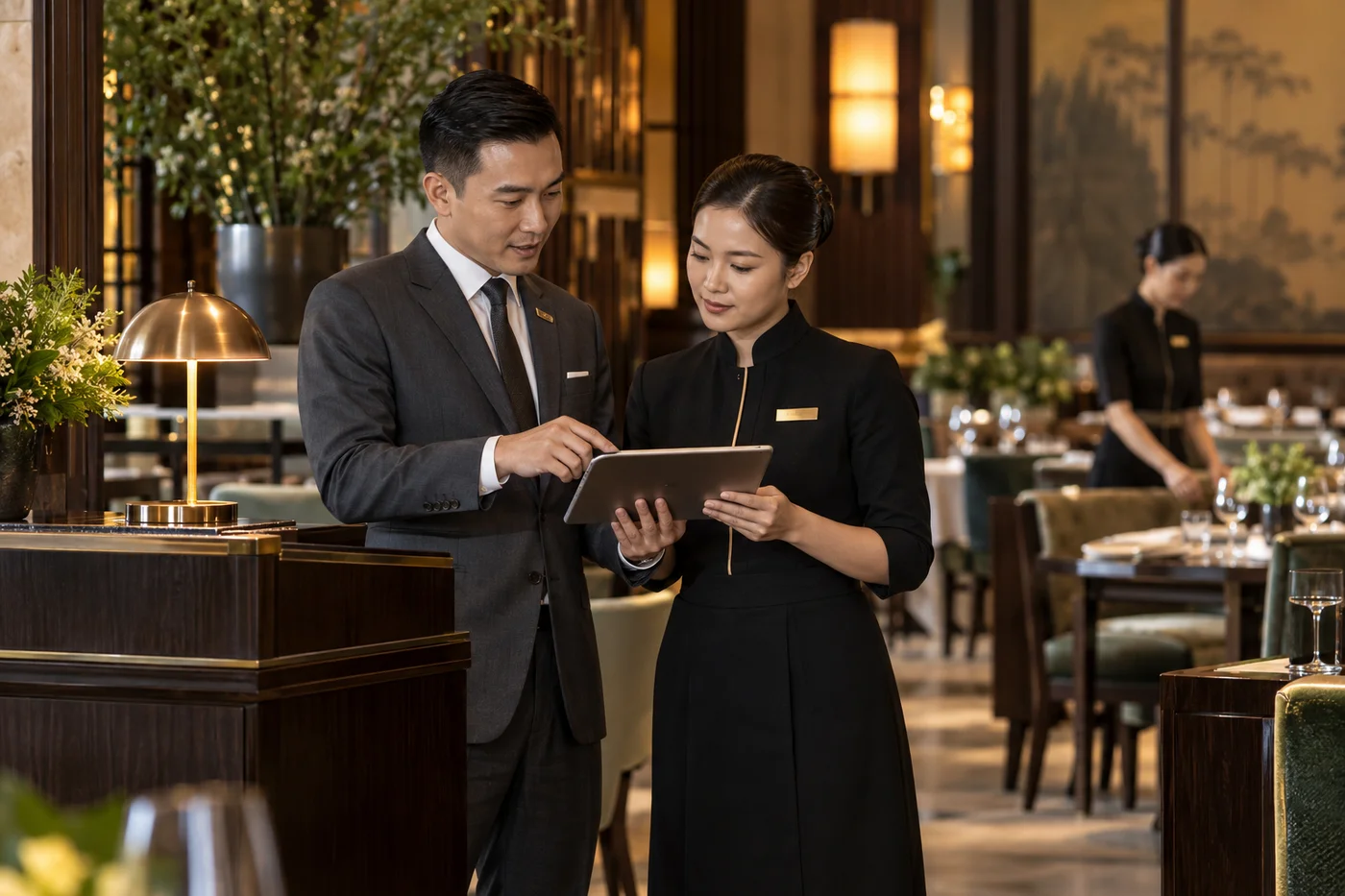
Front Office and F&B share the work of making every stay feel effortless. RMS brings reviewed guest information, package access and daily tasks into a clearer staff workflow.
Explore RMS with your teamRMS supports the team’s work while your PMS remains the system of record. We agree the connections, access and data handling before activation.
Discuss your setupA proposed server-side connection for approved guest profile and reservation operations. Availability depends on hotel-approved access, supported API operations and property permissions. RMS does not require direct PMS database access.
Reuse reviewed identity and stay details for the applicable Vietnamese immigration reporting process. Direct submission requires authorised connectivity; otherwise, use the accepted export/import route. This is separate from OHIP.
The proposed messaging flow lets Front Office select document photos from a conversation and send extracted details back for guest confirmation. Automatic replies depend on channel permissions; staff review remains part of the transfer workflow.
Hosting, AI processing, image retention and staff access rules are agreed with the hotel before activation. Modules, compatible devices and write operations are confirmed during the pilot.
A practical rollout starts with your arrival scenarios, your people and your property.
Confirm profile fields, OHIP access, property mapping and authorised reporting routes.
Try real document types, existing and new profiles, unreadable data and transfer exceptions.
Train Front Office, agree data retention and access, then extend to F&B and other modules.
Time savings, corrections and transfer acceptance are assessed during the pilot. Final capabilities follow the agreed property scope.
Start with document scanning. Explore what a clearer workspace could mean for your hotel team.
quangbh@imonstudio.com +84 935 351 868